Jupyter Lab Wrap of the text
The Jupyter Lab is the modern version of the Jupyter Notebook.
Version: I use the version 4.5.7
If you have the problem that you have a long code in your text and that ends to the right side, and you have to scroll it every time, then I have one solution. It is a solution that should work permanently.
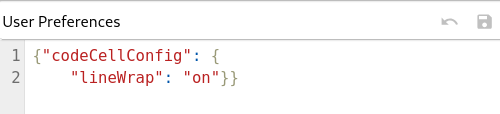
Open you Jupyter Lab, to „Settings“ -> on the right side at the top -> JSON Settings Editor -> Advanced settings -> Notebook -> User preference

and then type in the following code:
{"codeCellConfig": {
    "lineWrap": "on"}}
click on the disk and now the Jupyter Lab shows you a wrap of your text.